
The practical answer
ParallelCals charges by synced calendars and active rules, starting at €3/month. CalendarBridge Basic costs US$5/month, or US$48/year, with two directional sync connections. Both support private availability blocks. For a three-calendar setup, map the directions first: a ParallelCals mirrored rule and several CalendarBridge connections are different units.
Written by ParallelCals, one of the products compared; this page is not affiliated with or endorsed by the other vendor. This comparison focuses on availability synchronization, not every feature of either product. Competitor facts were reviewed on October 8, 2026 using the linked public sources; we have not conducted a hands-on benchmark of those products. Screenshots show ParallelCals components with synthetic demo data. EUR and USD are kept separate; no exchange-rate savings claim is made. Confirm taxes and final terms at checkout.
Prices, trial terms and limits
Individual self-service plans, reviewed October 8, 2026. Prices retain each vendor’s currency. Annual equivalents require a yearly payment; check taxes and final checkout terms.
Swipe to compare both products.
| Requirement | ParallelCals | CalendarBridge |
|---|---|---|
| Monthly plans | Starter €3/month: 2 calendars / 2 active rules; Plus €5/month: 4 calendars / 4 active rules; Pro €7/month: 6 calendars / 6 active rules; Power €9/month: 8 calendars / 8 active rules | Basic US$5, Premium US$10, Pro US$40/month on individual plans. |
| Annual commitment | The current self-service web plans are billed monthly. | US$4 / US$8 / US$32 per month equivalent, billed yearly: US$48 / US$96 / US$384. |
| Usage limits | Calendar limits and active-rule limits both apply. One rule can send a source to multiple targets, or mirror selected calendars. | Basic 2, Premium 20, Pro 56 directional connections. The unified-view limits are separate: 4 / 12 / 24 calendars. |
| Trial and renewal | Eligible first-time Starter subscribers: 14 days, payment method required. Renews at €3/month unless cancelled before renewal. Connecting accounts and previewing are free; live sync needs a plan. Larger plans start paid. | Trial starts without a credit card. Confirm its current duration and checkout terms with the vendor. |
| Providers and timing | Google, Microsoft cloud calendars (Outlook.com/Microsoft 365), and iCloud. Read-only calendars exposed by a connected provider can be sources; no direct public ICS URL connector. iCloud and imported Google calendars use scheduled checks; no instant-sync guarantee. | Google and Microsoft support real-time sync. iCloud and public ICS sources are checked every 5–10 minutes, per its help page. Local Outlook calendars are not supported. |
| Future event coverage | Standard sync covers now to +60 days. | Its pricing page advertises sync of all future events. Confirm the coverage for your calendar with the vendor; we have not independently tested its horizon. |
| Privacy controls | Private Busy blocks by default. Out-of-Office behavior depends on the destination provider. Advanced sync can add selected title, location or meeting-link context; source notes and attendees are not copied. | Busy-only, title-only or fuller event details, with independent privacy settings per sync. |
| Scheduling and merged view | Booking links and a merged calendar view are included. | Up to 10 scheduling pages and a unified calendar app are listed. Unified-view limits are separate from directional sync connections. |
Rules and connections: count the actual arrows
Suppose personal and client commitments must block work, while work commitments do not need to block the other two. That is two directional connections in CalendarBridge. In ParallelCals it is two one-way rules across three synced calendars, which needs Plus or a larger tier.
For all three calendars to protect one another, CalendarBridge counts six directed connections. Its documented connection allowance points to Premium. ParallelCals can put the three writable calendars in one Mirror availability rule; three synced calendars still require Plus. This compares configuration units, not measured speed or reliability.
A merged view and a protected destination are different
Seeing all calendars on your screen is useful, but colleagues may still check only your work mailbox. Inspect whether a block is written into that destination and whether the scheduling system marks it unavailable.
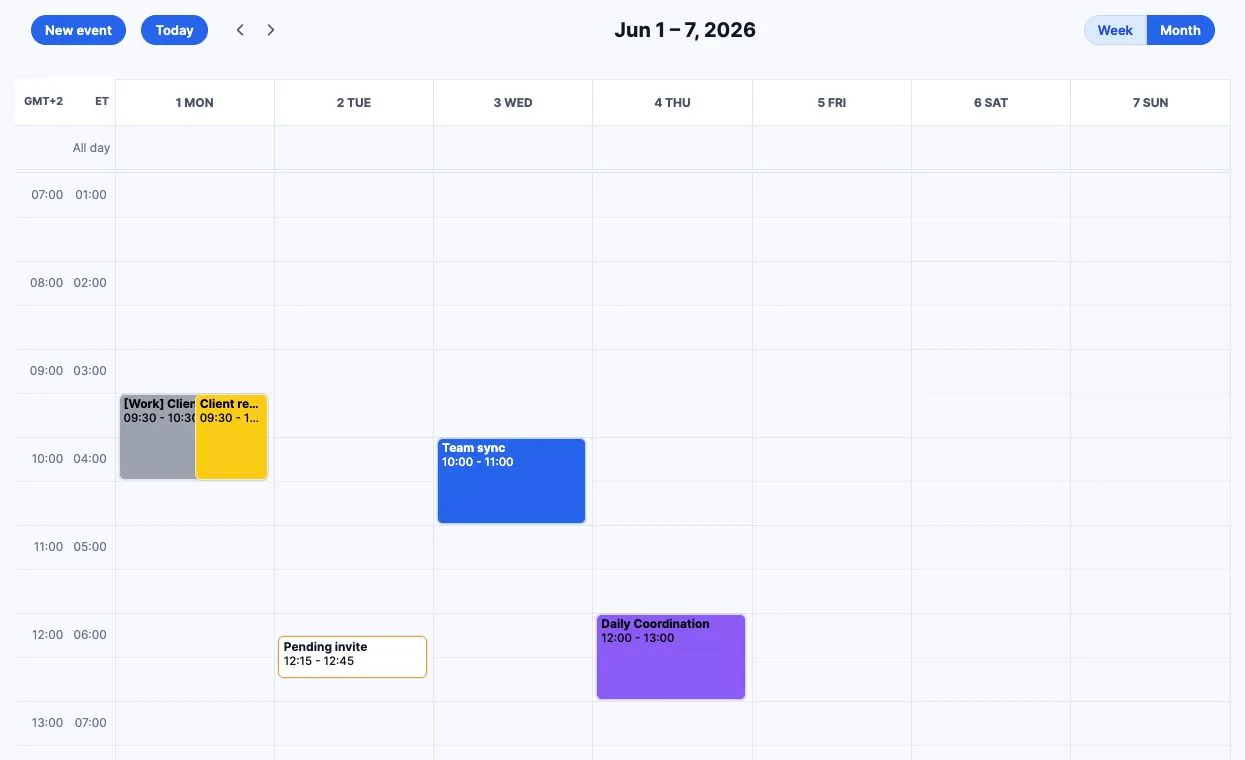
In ParallelCals, choose the source commitment and the destinations that need protection. For a read-only calendar exposed by a connected provider, use a one-way rule into a writable calendar. An app-owned Busy block is not a second invitation and does not make the mirrored item the original meeting.
Choose around the requirement that matters
Consider ParallelCals for a small setup with monthly billing, private Busy blocks and direct control of one-way or mirrored rules. The standard limits are explicit: up to eight self-service synced calendars, up to eight active rules, and the next 60 days of events.
Consider CalendarBridge if you need direct public ICS sources or fuller copied event context. Its per-sync privacy controls can support different disclosure levels for different destinations. Basic's two connections can cover two sources feeding one destination; it need not be limited to two participating calendars. Its plans also include scheduling pages and a unified view, and list an AI assistant beyond this comparison's scope. Review the provider list and plan terms directly, especially for workplace or regulated use; this page does not assess compliance.
If you only want to see two calendars together, native sharing or a read-only subscription may be sufficient. Pay for availability sync when changes need to protect the calendars where other people actually book you.
Validate the destination before committing
- 1
Map source, targets and permissions
List the calendars and draw each direction. Check both calendar and rule allowances in ParallelCals, or directional connections in CalendarBridge. Resolve workplace approval before activating writes.
- 2
Review privacy and trial terms
Use Busy-only protection where no details should leave the source account. In ParallelCals, keep Advanced sync off and review Starter eligibility, card requirement and renewal price in Account.
- 3
Check one Busy event tomorrow
Allow for the source provider's update timing, particularly iCloud or internet feeds. In ParallelCals, Setup automatically confirms a block after provider acceptance. Check the target's actual booking surface too.
- 4
Test changes and clean up carefully
Move and delete the test event, verify the destination follows, and inspect a recurring occurrence. When replacing another service, pause overlapping rules and use that service's own clone-cleanup controls; do not bulk-delete original appointments.
See the ParallelCals workflow
This 24-second product tour shows a merged calendar and an availability rule using synthetic demo data.
View the full product tourFrequently asked questions
Does CalendarBridge Basic mean two calendar accounts?
Its pricing table defines an allowance of two directional sync connections. Account, calendar, unified-view and connection counts are different. Its connection guide explains how to count each source-to-target direction.
Will iCloud changes sync instantly?
Do not assume that. CalendarBridge documents 5–10 minute checks for iCloud sources. ParallelCals also uses scheduled iCloud reconciliation. Test create, move and delete using your own setup before relying on an update interval.
Can ParallelCals copy the entire meeting?
It focuses on availability blockers. Advanced sync can add selected title, location and meeting-link context; it does not copy source notes or attendees, or recreate the source's invitation and video meeting.
Is Out-of-Office behavior identical across providers?
No. ParallelCals sets Microsoft's Out-of-Office availability status. Google restricts native Out-of-Office events to eligible primary calendars and timed events; choose a regular Busy event for other Google destinations. On iCloud, ParallelCals writes a private Busy event with the chosen title, not a distinct native Out-of-Office status. Busy blocks communicate unavailability; they do not guarantee that every conflicting invitation is rejected.
Sources and documentation
- CalendarBridge: individual pricing
- CalendarBridge: counting directional connections
- CalendarBridge: supported calendars and timing
- CalendarBridge: privacy controls
- Google: native Out-of-Office restrictions
ParallelCals instructions were checked against the current application and rule controls. Provider features and policies can change; consult the linked official documentation for your account. Product names belong to their respective owners.